Flow Rate Calibration in Plain English
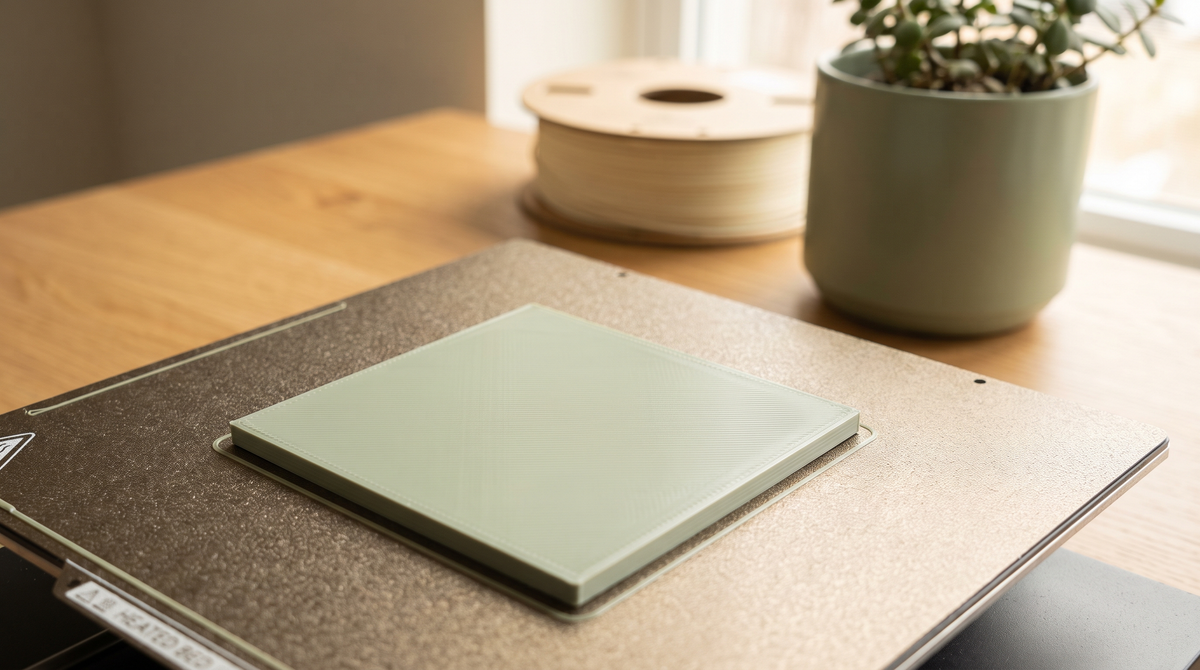
Flow rate is the calibration everybody skips, and it's the one that fixed the most things for me.
It's also badly explained most places, so let me try plainly.
What it actually is
Your slicer calculates how much plastic a given line needs and tells the extruder to push that much.
Flow rate is a correction factor on that number. It accounts for the fact that real filament, real extruders and real hot ends don't behave exactly as the math assumes.
If it's set too high, every line comes out slightly fatter than designed. Too low, slightly thinner.
Sounds minor. It isn't.
Why a few percent matters so much
Here's the part that makes it click.
If you're over-extruding by 3%, every wall is 3% thicker than designed. Now imagine two walls facing each other with a designed gap between them. Both walls grew inward, so the gap shrank by roughly twice that.
A 0.25mm clearance becomes 0.2mm or less. On a decorative model, nobody notices. On a print-in-place joint, the surfaces now touch and weld, and your model comes off the plate as a solid lump.
This is the single biggest reason the same file works perfectly for one person and fuses for another. It isn't the file.
What else it affects
Dimensional accuracy. A part that should be 20mm comes out 20.3mm. Anything that has to fit something else won't.
Top surface finish. Over-extrusion packs too much material into the top layer and it has nowhere to go, so you get ridges and a rough, lumpy surface. Under-extrusion leaves gaps between the lines.
Elephant foot. Over-extrusion makes the first-layer spread worse.
Seam quality. Excess material has to go somewhere at each layer start, which turns a tidy seam line into a row of blobs.
People chase all four of these separately. They're frequently one cause.
How to do it
Both Bambu Studio and Orca Slicer have it in the calibration menu, and the process is the same idea.
It prints a set of small patches, each at a slightly different flow value. You look at them afterward and pick the best one.
What you're looking for: a top surface that's smooth and flat. Not gaps between the lines (under-extruded). Not ridges or a rough overpacked texture (over-extruded). Just flat and even.
Look at it under decent light, and run a fingernail across it — you'll feel ridges you can't quite see.
It takes about twenty minutes.
Do it per filament
This is the bit people miss.
Flow varies by filament, not just by printer. Different brands, and sometimes different colors within a brand, behave differently — heavily pigmented filaments especially.
So it's a per-filament setting, and you want it saved per filament.
Once you've found a good value, use Save as User Preset with a name that includes the brand and color. Otherwise you'll do this again in three months having forgotten the number.
When to redo it
New filament brand. New material type. After changing the nozzle. If parts stop fitting the way they used to.
Same brand, different color — usually fine, though a quick check is worth it for black and white, which often behave differently.
Do it in the right order
Flow calibration on a bad first layer or at the wrong temperature gives you a number that only works in those wrong conditions.
First layer, then temperature tower, then flow. Each one depends on the one before, and the whole sequence is about an hour.
Why I keep mentioning it
Because I design print-in-place things, and I get messages from people whose model came out fused when the same file works fine for everyone else.
It's almost always flow. Twenty minutes of calibration and the same file prints perfectly, which is a much better outcome than either of us blaming the model.
Have you run a flow calibration? If not, run one and tell me what your number turned out to be. 👀