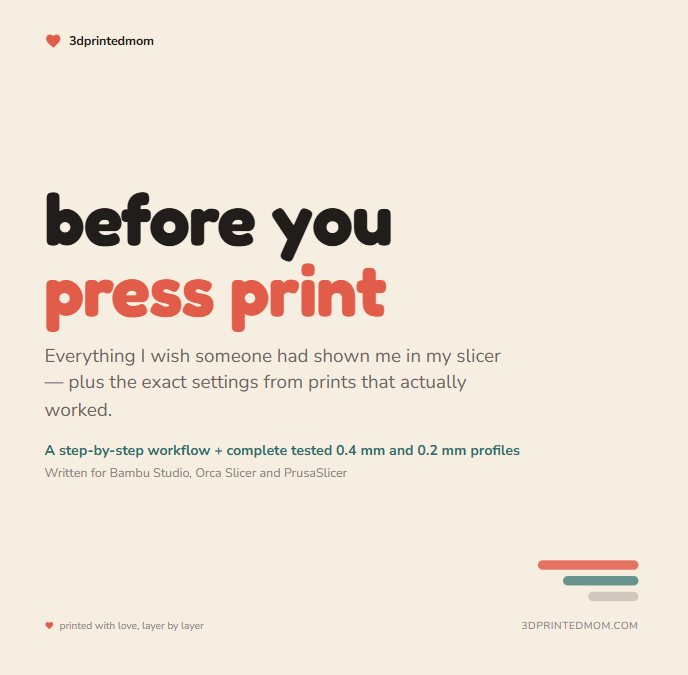
Before You Press Print: Beginner 3D Printing Guide + Tested 0.4 & 0.2 Settings
$19.99
Stop guessing which setting ruined your print.
Before You Press Print is the true beginner’s guide I wish I had when I started 3D printing. It gives you the simple information most tutorials assume you already know—plus the exact 0.4 mm and 0.2 mm settings I developed through hours of real printing, testing, troubleshooting and wasted filament.
Instead of downloading a file and immediately pressing Print, you’ll learn exactly what to check, what to change, what to leave alone and how to catch problems before they become failed prints.
Inside this 22-page digital guide, you’ll get:
• A step-by-step workflow for preparing any downloaded print
• A plain-English explanation of STL and 3MF files
• The four machine settings you should check before every print
• A Preview method for catching missing text, floating pieces and incorrect colors
• Step-by-step help for adding raised or engraved text
• Face-up versus face-down printing guidance
• Practical fixes for cleaner top surfaces, sharper lines and small details
• Multicolor flushing and color-bleeding guidance
• A filament reference covering PLA, PLA+, Matte, Silk, PETG, TPU and ABS/ASA
• A printable pre-print checklist
• A fast troubleshooting guide for the most common beginner problems
• A 3D-printing glossary written in normal, understandable language
• A translation key for Bambu Studio, Orca Slicer, PrusaSlicer and Cura
• A complete tested 0.4 mm face-up keychain profile
• A complete tested 0.2 mm fine-detail keychain profile
These are not vague recommendations or a handful of “magic settings.” The profiles show complete setting combinations—including layer heights, line widths, walls, top surfaces, infill, speeds, accelerations, overhangs, cooling and retraction—along with clear labels showing what was changed, what stayed at the slicer default and what must be adjusted for your own machine or filament.
This guide is perfect for:
• Brand-new 3D-printer owners
• Anyone who normally downloads a file and presses Print
• Makers struggling with rough surfaces, fuzzy text or missing details
• Small-business owners who need cleaner, more repeatable prints
• Anyone tired of wasting hours and filament changing random settings
You do not need to memorize every setting in your slicer. You need a reliable process, a tested starting point and a way to know what to change when something goes wrong.
That is exactly what this guide gives you.
DIGITAL DOWNLOAD ONLY
You will receive one 22-page PDF. No physical product will be shipped. The tested profiles were recorded in PLA on Bambu P2S and A2L printers. The beginner workflow and quality principles can also be used with other FDM printers and slicers, but speeds, accelerations and machine-specific settings may need to be adjusted for your equipment.