Why Do My 3D Prints Keep Failing? A Checklist
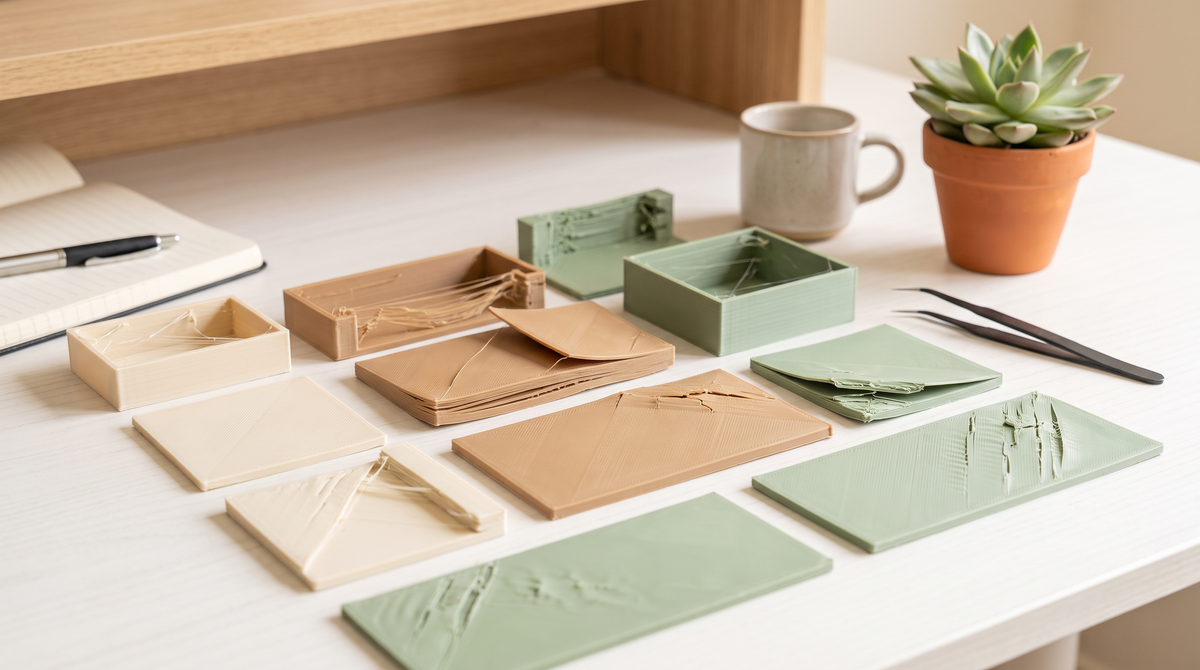
There's a specific kind of despair that comes from three failed prints in a row. You start doubting the printer, the filament, the model, and your own competence, roughly in that order.
The instinct at that point is to change five settings at once. Don't. You'll either not fix it, or fix it and never know which change did it.
Here's the order I work through instead, from most-likely to least.
1. Is the plate actually clean?
This is first because it's the single most common cause and the easiest to dismiss.
Build plates get an invisible film of skin oil from handling. Not visible dirt — just the residue from picking the plate up with your fingers. That film is enough to stop adhesion completely, and it builds up gradually so your prints get worse over weeks and you blame something else.
Wash it with warm water and dish soap. Not a wipe with a cloth — actually wash it in the sink and let it dry. Then handle it by the edges.
Do this before you change any setting. I'd guess it fixes a third of all "my printer stopped working" problems.
2. Watch the first layer
Stand there for the first layer. All of it. It's five minutes and it tells you almost everything.
A good first layer is slightly squashed, with the lines touching each other and no gaps. It should look like a solid sheet, not like a row of separate strings.
Gaps between the lines — nozzle too far from the plate, or under-extruding.
Rippled, translucent, scraped-looking — nozzle too close, digging in.
Sticks in some places, not others — plate isn't level, or is warped.
If the first layer is wrong, everything after it is wrong. There is no setting further up the print that rescues a bad first layer.
3. Is the filament dry?
Wet filament causes a bewildering variety of symptoms: stringing, popping noises, rough surfaces, weak layers, inconsistent extrusion. Because it looks like several different problems, people chase several different fixes.
If a spool used to print fine and now doesn't, and you haven't changed anything, it's moisture. Dry PLA at 45°C for six to eight hours, PETG at 65°C.
4. Has anything physically changed?
Quick physical check before you touch settings:
- Nozzle — worn or partially blocked? A worn nozzle extrudes inconsistently and gets gradually worse.
- Belts — loose belts cause layer shifts and ghosting.
- Filament path — anything catching, tangling, or rubbing? A spool that binds mid-print causes under-extrusion that looks like a settings problem.
- Fans — a part cooling fan that's stopped will ruin overhangs and small prints specifically.
5. Is it the model, not the printer?
Worth checking before you blame yourself.
Some models genuinely are badly prepared — non-manifold meshes, wall thicknesses below what your nozzle can print, overhangs that need supports the description didn't mention. If one specific model fails repeatedly and everything else prints fine, it's the model.
Test with something known-good. If a benchmark print comes out clean, your printer is fine and the problem is the file.
This is one of the honest arguments for buying files that come with tested settings — not because free models are bad, but because "does this actually print" is information that usually isn't attached to the download.
6. Only now, change settings
If plate, first layer, filament, hardware and model all check out, then it's settings. And now you change one thing, print, and look.
The temptation is to skip to here because it's the interesting part. Resist it. Settings are the least likely cause and the most time-consuming to work through.
Keep notes
This is the boring advice that actually compounds.
When you fix something, write down what it was. Filament brand, temperature, what the symptom looked like, what fixed it. Six months later the same symptom appears and you'll have no memory of solving it before.
A note on your phone is plenty. I wish I'd started a year earlier than I did.
Common questions
My print fails at the same height every time. Why?
Something in the model at that layer — often where supports end or an overhang begins. Look at the sliced preview at that specific layer.
Everything failed suddenly after months of working. What changed?
Usually filament moisture or a dirty plate. Both develop gradually and then cross a threshold.
Is it worth just resetting to default profiles?
Yes, genuinely. If you've been tweaking for a while and lost track, going back to a known-good default and starting again is often faster than debugging your own changes.
What's your most persistent print failure? Describe the symptom and I'll tell you where I'd start. 💅🏼