Support-Free by Design: How I Model to Avoid Them
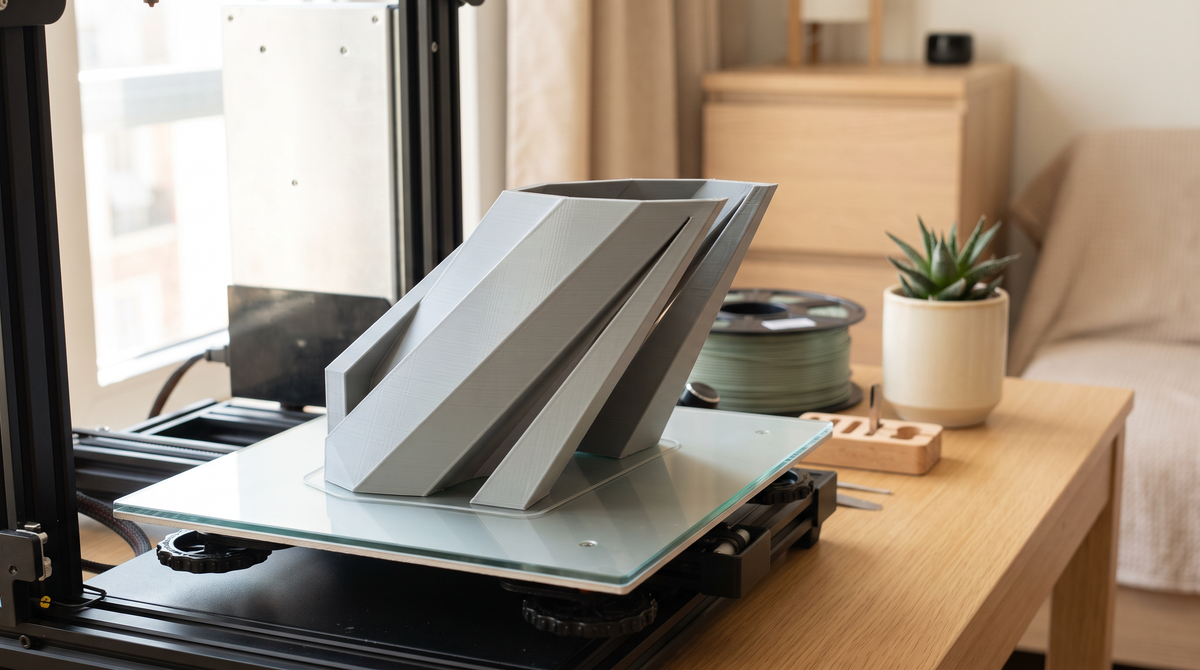
Every support you print is material you throw away, time you spend twice, and a scar on the surface where it touched.
So the goal isn't better supports. It's fewer.
The 45-degree rule
The foundation of all of this.
Most printers handle overhangs up to about 45 degrees from vertical without support. Each layer is offset slightly from the one below, and as long as enough of it rests on the previous layer, it holds.
Past 45 degrees the overhang gets progressively less supported and starts to droop. Somewhere around 60 degrees it fails properly.
So the first design rule is simply: keep overhangs at 45 degrees or shallower and you never need support for them.
Chamfer instead of overhang
The most useful practical technique.
A horizontal ledge sticking out of a vertical wall is a 90-degree overhang and definitely needs support. Replace that ledge with a 45-degree chamfer underneath and it prints unsupported.
Visually the difference is small. Structurally it's the same part. In printing terms it's the difference between a clean print and one with supports jammed under a ledge.
I now do this almost automatically on anything with a lip or a shelf.
Teardrop holes
A horizontal hole through a part has a problem at the top: the ceiling of the hole is a flat overhang, and it sags into the hole.
The fix is to make the hole a teardrop — circular at the bottom, coming to a point at the top. Every part of the profile is then within the printable angle.
Slightly less pretty. Prints perfectly with no support and no sagging.
Bridges are fine, actually
Worth knowing because it saves a lot of unnecessary support.
A flat span between two supported points — a bridge — prints fine without support, up to a surprising distance. The plastic stretches across the gap and cooling firms it up as it goes.
So a doorway shape, or the top of a rectangular hole, usually doesn't need support even though it looks like it should. Slicers often add support here anyway; check the preview and turn it off.
Good part cooling makes bridges dramatically better.
Orientation is half the battle
Before doing anything clever, rotate the model.
The same part in a different orientation frequently goes from support-heavy to support-free. It costs two minutes in the slicer and it's the single highest-value habit in this whole post.
Things to consider when rotating:
- Which surfaces need to look good? Those should face up or be vertical, not down.
- Where does stress go? Parts are weakest along layer lines, so orient so stress runs across layers rather than along them.
- What's the footprint? A wider base is more stable and less likely to lift.
Split it
When nothing else works, cut the model into pieces that each print well, then join them.
A shape that's impossible in one piece is often trivial as two halves printed flat. Add locating pins so they align, and glue with superglue.
Feels like a defeat. Usually produces a better result than a supported print.
When to just use supports
Being honest: sometimes the geometry genuinely requires them, and fighting it produces a worse design.
If you do need them: use tree supports for fewer contact points, set a real Z gap of about one layer height so they release cleanly, and put the supported surface somewhere it won't be seen.
Why I design this way
Because I'm not the one printing them.
When someone buys a file from me, every support they'd have to remove is a chance to scar the surface or snap a detail — and it happens on their printer, where I can't help.
Designing support-free takes longer and constrains the shape. It also means the model comes off the plate finished, which is the entire point.
What's the trickiest thing you've managed to print without supports? Teardrop holes changed things for me. 💅🏼