Calibrating a New Printer Without Losing a Weekend
Search for printer calibration and you'll find a rabbit hole deep enough to lose a weekend in — towers, cubes, patterns, tests for things you'll never notice.
You don't need most of it. Here are the three that genuinely change your results, in the order I'd run them.
1. Bed leveling and first layer (15 minutes)
Everything rests on this. Run your printer's automatic leveling routine, then print a first-layer test — a large flat square is fine.
What you want: lines touching each other with no gaps, slightly squashed, uniform across the whole plate.
Gaps between lines — nozzle too far. Lower the Z offset in 0.02mm steps.
Scraped or translucent — nozzle too close. Raise it.
Good in one area, bad in another — leveling problem, or a warped plate.
Wash the plate with warm water and dish soap before you start. Skin oil is invisible and it will make you chase a problem that isn't there.
2. Temperature tower (30 minutes)
The single most useful test, and you should run it per filament brand, not per material.
Two spools both labelled PLA can want temperatures 15°C apart depending on pigment and formulation. The number printed on the box is a starting suggestion.
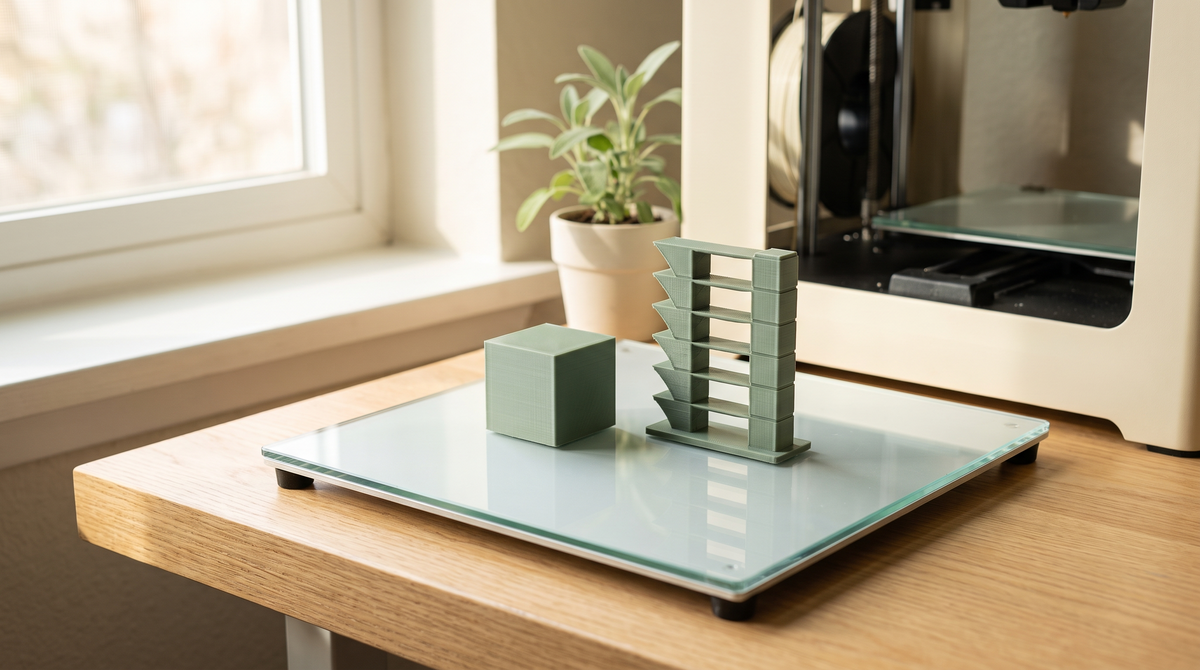
The tower prints the same shape at a range of temperatures in one go. Both Bambu Studio and Orca Slicer have it in the calibration menu.
Afterwards, look at it and pick the cleanest band. You're judging: stringing between sections, surface finish, and how well overhangs held. Too hot gives stringing and droop; too cold gives rough layers and poor bonding.
3. Flow rate (20 minutes)
The one people skip, and the one that matters most for anything with tolerances.
Flow rate is how much plastic comes out relative to how much the slicer asked for. If you're over-extruding by even a few percent, every gap in your model shrinks — which is why print-in-place models fuse solid for some people and work perfectly for others printing the same file.
The test prints patches at slightly different flow values. You pick the one with the smoothest, flattest top surface — no gaps, no ridges from material being over-packed.
Get this right and dimensional accuracy, surface finish, and moving-part clearances all improve at once.
What you can skip
Retraction tuning — defaults on a direct drive machine are close. Only touch it after ruling out wet filament and temperature.
Pressure advance — worth doing eventually if you print fast and see bulging corners. Not a day-one job.
Acceleration and jerk — the manufacturer tuned these for the machine. Guessing will make it worse.
Dimensional accuracy cubes — largely a symptom of flow rate. Fix flow instead.
The order matters
Run them in sequence, because each depends on the one before.
A temperature tower on a bad first layer tells you nothing useful. A flow test at the wrong temperature gives you a flow number that only works at that wrong temperature.
First layer, then temperature, then flow. About an hour total.
When to redo it
New filament brand: temperature tower. New filament type: temperature and flow.
Same brand, different color: usually fine, though heavily pigmented colors — especially black and white — can behave differently enough to be worth a quick check.
After changing a nozzle: flow rate.
Then save it
Once you've got good numbers, save them as a user preset with a name that includes the filament brand. Otherwise you'll do this again in three months.
Keep a note too — brand, temperature, flow value. Future you will be grateful.
Has anyone actually run a flow calibration? It's the one everybody skips and it fixed more for me than anything else. 👀