Bambu P1S Print Quality Settings
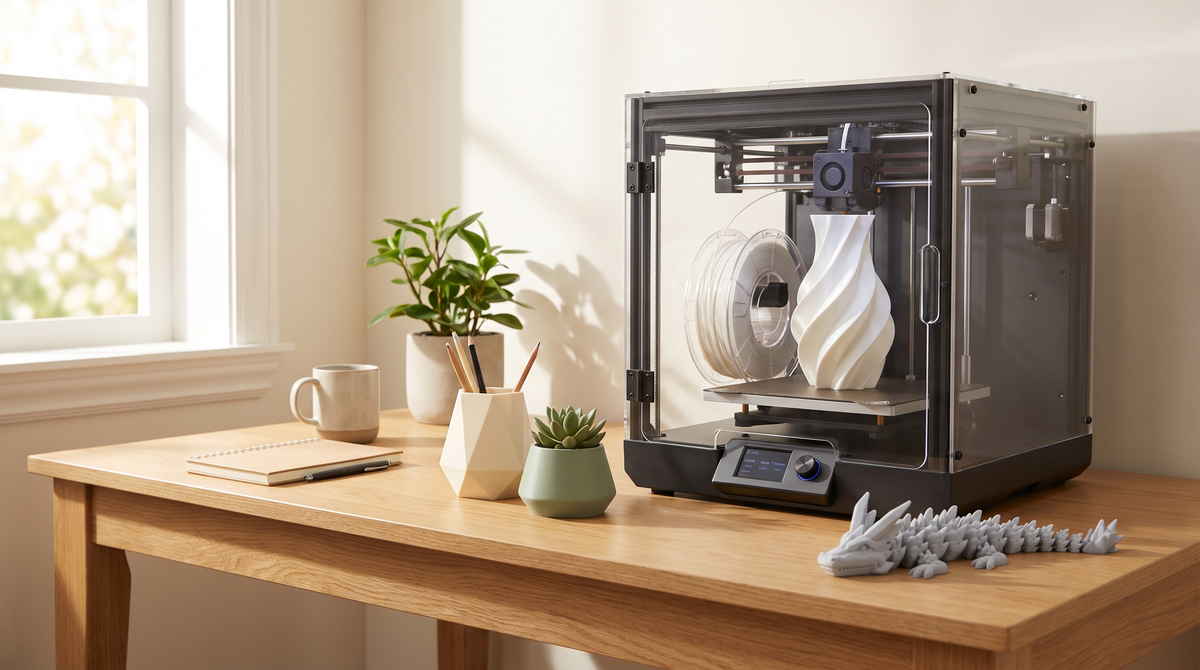
The P1S is a capable machine with genuinely good stock profiles. Most of what follows is small adjustments rather than fixing anything broken.
The enclosure changes things
The most important thing to understand about this machine, and the one that catches people out.
An enclosure retains heat. That's excellent for materials that want a warm, draft-free environment — ABS and ASA in particular warp badly without one.
It's not what PLA wants. PLA prints best with good cooling, and a hot enclosed chamber works against that. On long PLA prints in a warm room you can see it: softer detail, more droop on overhangs, and in bad cases heat creep in the extruder causing jams.
The fix is simple. For PLA, open the front door and take the top glass off. Let it breathe. Close it up for ABS and ASA.
People run PLA sealed for months wondering why their overhangs are soft.
Settings worth changing for detail
Wall generator → Arachne. The biggest single improvement for small detailed work. Classic skips thin features; Arachne varies line width and renders them.
Seam position → Aligned. Random scatters marks across a small print's whole surface. Aligned stacks them into one line you can rotate out of sight.
Outer wall speed → 30–50mm/s. The P1S is fast and the stock profiles use that speed. The outer wall is the only surface anyone sees and it's a small fraction of print time — slow it specifically.
Minimum layer time → 8–10 seconds. Particularly useful on this machine for small prints, since it automatically slows layers that would otherwise finish too fast to cool, without slowing the whole job.
Layer height → 0.12mm where there are curves or fine surface detail. 0.2mm elsewhere.
What to leave alone
Acceleration, jerk, input shaping. Tuned by Bambu to this specific machine. Changing these by guesswork makes ringing worse, not better.
Retraction. Direct drive, sensible defaults. Stringing is nearly always wet filament or temperature — chase those first.
Infill. 15% is fine for most things. Walls carry the strength on small parts.
The AMS purge consideration
If you're running the AMS, worth knowing that every color change purges a meaningful amount of filament.
On a small multi-color print, the purge tower can genuinely use more plastic than the model does.
For anything where colors divide by height, a manual color change wastes far less. Save the AMS for prints where the colors genuinely interleave.
Calibration worth doing
Flow rate first. It affects dimensional accuracy, surface finish, and whether print-in-place clearances come out working or fused. A few percent of over-extrusion closes a 0.25mm gap.
Temperature tower per filament brand. Not per material. Two spools both labelled PLA can want temperatures 15°C apart depending on pigment.
Both are in the calibration menu and together take about an hour.
Maintenance that affects quality
Wash the plate with warm water and dish soap. Regularly, and handle it by the edges afterward. Skin oil is the most common adhesion problem and it's invisible.
Check the nozzle if quality degrades gradually. Abrasive filaments — glow, glitter, carbon fiber, and matte to a lesser extent — wear brass nozzles. A worn nozzle extrudes inconsistently and gets steadily worse.
Keep the filament dry. The enclosure doesn't protect the spool, which sits outside it.
Save it as a preset
Once you have a combination that works, Save as User Preset with a meaningful name.
Settings that arrive inside a 3MF project file live in that project only — they vanish when you close it unless you deliberately save them.
P1S owners — did anyone else run PLA sealed for months before working out the door should be open? 🫠