Bambu A1 Settings for Small Detailed Prints
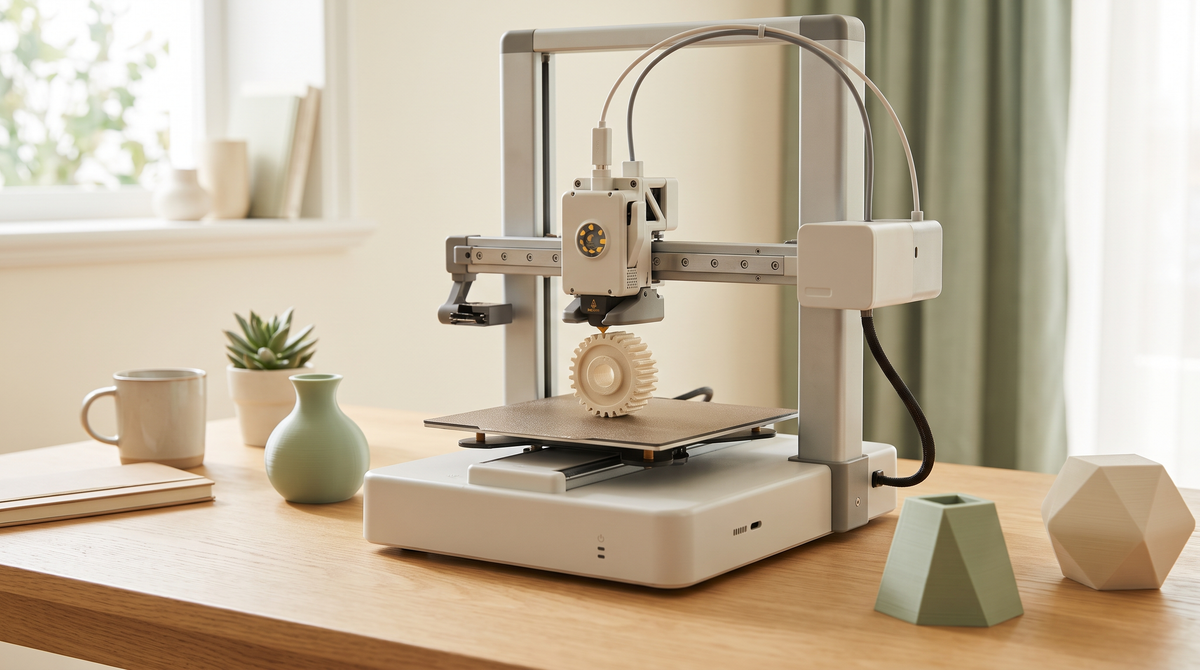
The A1 and A1 mini are capable machines for small detailed work, and the stock profiles are good. But the defaults are tuned for general-purpose printing, and small detailed pieces want something a bit different.
Here's what's worth changing, and what to leave alone.
The thing that's different about this machine
The A1 is a bed slinger — the plate moves back and forth on the Y axis rather than the whole assembly moving above a fixed bed.
That matters for one reason: the moving mass is your print. As a print gets taller and heavier, the inertia increases, and rapid direction changes can produce visible ringing on the Y axis specifically.
For small prints this is mostly a non-issue, since small prints are light. It becomes relevant on tall pieces, and it's why lying things flat is doubly worth doing on this machine.
What to change for small detail
Wall generator → Arachne. The biggest single quality improvement. Classic uses a fixed line width and skips features that don't divide evenly into it; Arachne varies the width so thin details actually render. If your small text is disappearing, start here.
Seam position → Aligned. The default on some profiles is Random, which on a small print scatters dozens of visible dots over the surface. Aligned stacks them into one line you can rotate out of view.
Outer wall speed → 30–50mm/s. The A1 is quick and the stock profiles use that. For detail, slow the outer wall specifically. It's a small fraction of total print time and it's the only surface anyone sees.
Layer height → 0.12mm for pieces with curves or fine surface detail. 0.2mm is fine for most things; drop it where the detail actually shows.
Minimum layer time → 8–10 seconds. This one is particularly useful for small prints. It forces the printer to slow down automatically on layers that would otherwise finish too fast to cool, without you having to slow the whole print.
What to leave alone
Acceleration and jerk. Bambu have tuned these to the machine's actual dynamics, including input shaping. You will not improve on it by guessing, and you can easily make ringing worse.
Retraction. It's a direct drive extruder and the defaults are close to correct. If you have stringing, the cause is almost always wet filament or temperature, not retraction. Chase those first.
Infill. 15% is fine for nearly everything small. Walls provide the strength on small parts.
The AMS lite consideration
If you have the AMS lite, worth knowing: multi-color printing purges a significant amount of filament on every color change. On a small print with several changes, the purge can genuinely use more material than the model.
For a simple two-tone piece where the colors divide by height, a manual color change wastes far less and takes about a minute of your time.
Use the AMS for prints where colors interleave. Use a manual swap for a simple horizontal split.
Calibration worth doing
Two things, in order:
Flow rate. The most valuable calibration on any machine, and essential if you print anything with tolerances or moving parts. A few percent of over-extrusion closes clearance gaps and fuses print-in-place joints.
Temperature tower per filament brand. Not per material — per brand. Two spools both labelled PLA can want temperatures 15°C apart.
The A1 does its own pressure advance calibration per filament, which handles a lot of what you'd otherwise tune manually.
Practical habits
Wash the plate with soap and water regularly, and handle it by the edges. Skin oil is invisible and it's the most common adhesion problem.
Lay models flat where you can. On a bed slinger this helps twice — fewer layers and less moving mass.
Add a brim on anything tall or with a small footprint.
Save it as a preset
Once you have a combination that works, use Save as User Preset and name it something meaningful.
Otherwise the changes live only in the current project and vanish when you close it — including any settings that arrived inside a 3MF project file.
A1 owners — what did you change first? Arachne was the one that made the biggest difference for me. 👀