3MF vs STL: What You're Actually Buying When You Buy a File
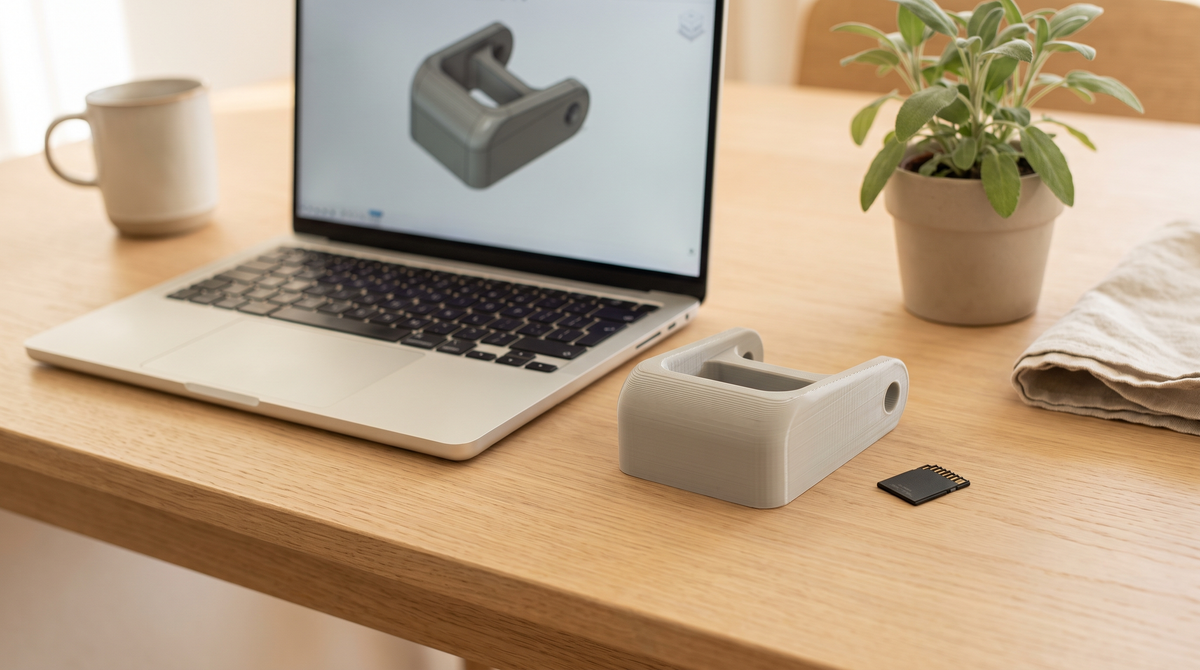
If you've ever downloaded a free model, printed it exactly as-is, and had it come out nothing like the photo — this post is the explanation.
It's almost never that the model was bad. It's that the model arrived with no instructions.
An STL is a shape and nothing else
An STL file describes a surface. That's it. It's a mesh of triangles that says "the object is this shape."
What it does not contain: layer height, print speed, temperature, whether it needs supports, which way up it should sit, how much infill, what wall count, what material it was designed for. None of that is in the file, because the format has nowhere to put it.
So when you open an STL, your slicer applies whatever profile you happen to have loaded. Maybe that profile is great for the vase you printed last week. The model has no way to tell you it needed something different.
That's the gap where most disappointing prints live.
A 3MF can carry the whole setup
3MF is a newer format, and the important difference is that it's a project file rather than just a mesh. It can store the geometry and the settings that go with it.
Open a properly saved 3MF and you get the model already oriented the right way on the plate, with the print profile applied, supports configured if it needs them, and the settings that were actually used to produce the version in the photo.
You open it. You slice it. You print it. The trial and error already happened, it just happened to someone else.
The bit that catches people out
Not every 3MF has settings in it. The format can carry them; it doesn't have to. Plenty of 3MF files floating around are just an STL wearing a different hat — someone exported the mesh and nothing else.
So "it's a 3MF" isn't automatically a promise. What you want to know is whether the settings came with it.
Worth asking before you buy, honestly. If a listing doesn't say what's in the file, that usually tells you something.
"Why would I pay for a file when free ones exist?"
Fair question, and I want to answer it honestly rather than defensively.
Sometimes you shouldn't. If you want a basic shape, you're comfortable dialing in your own settings, and you enjoy that part — go grab a free STL. That's a completely reasonable choice and the free model repositories are genuinely great.
The case for paying is when you don't want the project. When you want the thing to work on the first print because it's 9pm and you want it done tonight. When it's a mechanism with moving parts where the tolerances actually matter and being 0.1mm off means it fuses solid.
You're not really paying for the shape. You're paying for the failed prints someone else already did.
How to open a 3MF
In Bambu Studio or Orca Slicer: File → Open Project, or just drag the file into the window. Open Project is the important part — if you use Import Model instead, you get the mesh and throw away the settings, which defeats the entire point.
One thing worth knowing: settings that arrive inside a 3MF live in that project. If you want to reuse them on other models, go to the profile dropdown and choose Save as User Preset, give it a name, and now it's yours permanently. Skip that step and the settings disappear when you close the file.
What's in mine
Every file in my shop comes as both. The STL is there because some people genuinely prefer to slice from scratch, and I'm not going to make that harder. The 3MF is there because it's the one I'd actually want if I were buying.
The wristlets in particular are print-in-place, which means there are moving parts that print already assembled. Those live entirely on clearance settings. Hand someone the STL alone and they're guessing at a tolerance window a fraction of a millimeter wide. The 3MF just has it right.
Common questions
Is 3MF always better than STL?
Better suited to sharing print-ready models, yes. But an empty 3MF with no settings is no more useful than an STL. It depends what's inside.
Can I still edit a 3MF?
Yes. Scale it, rotate it, change any setting you like. Nothing is locked.
Do 3MFs work on non-Bambu printers?
The format is open and widely supported. An embedded profile written for one machine won't transfer perfectly to a very different one, but the geometry always will — and that's what the included STL is for.
What about STEP files?
STEP is a CAD format — real curves and dimensions rather than triangles. Useful if you want to modify the design in CAD software, not what you print from.
Have you ever bought a file and been disappointed by what was actually in the download? I'm curious how common that is. 👀